.png)
Install Nudgify on your Landingi site
Installing Nudgify with Landingi is really easy and only takes a couple of minutes. With Nudgify, you can add Social Proof, FOMO Nudges and more to your Landingi website to boost your conversion rate.
Just sign up for Nudgify and select Landingi as your integration.
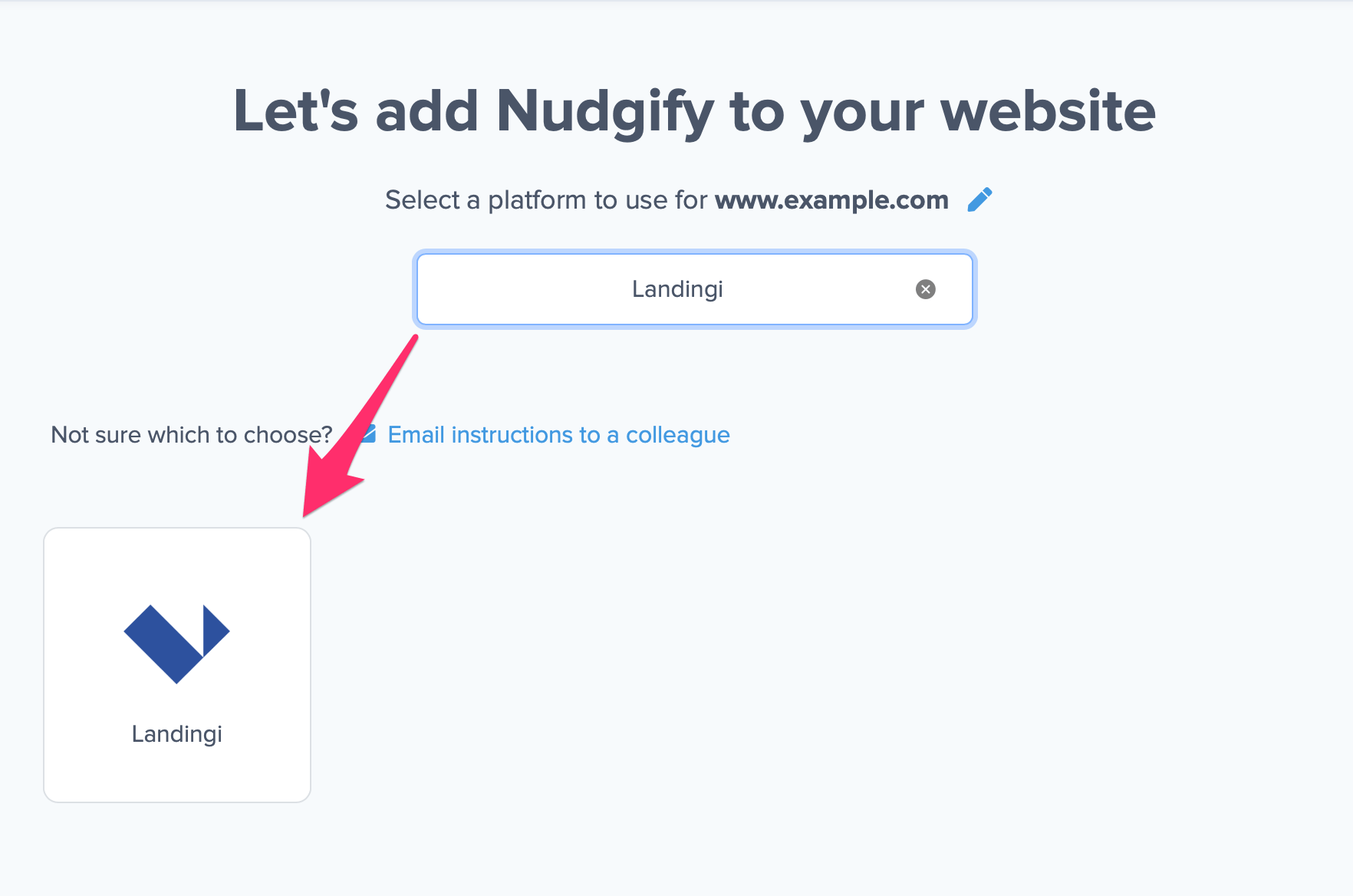
Now a window will open in which you can see a step-by-step guide on how to install your Nudgify Pixel. This Pixel is nothing more than a small line of code that you need to copy and paste into the code of your website.
If you use Landingi, you can paste the Pixel in the ‘Content’ field with the ‘Add script’ option in your Landingi admin.
Follow these steps to install Nudgify on your Landingi pages.
Step 1: Copy the Pixel from the “Other sites” tab
- On the Nudgify Pixel page, copy the Pixel from the text box.
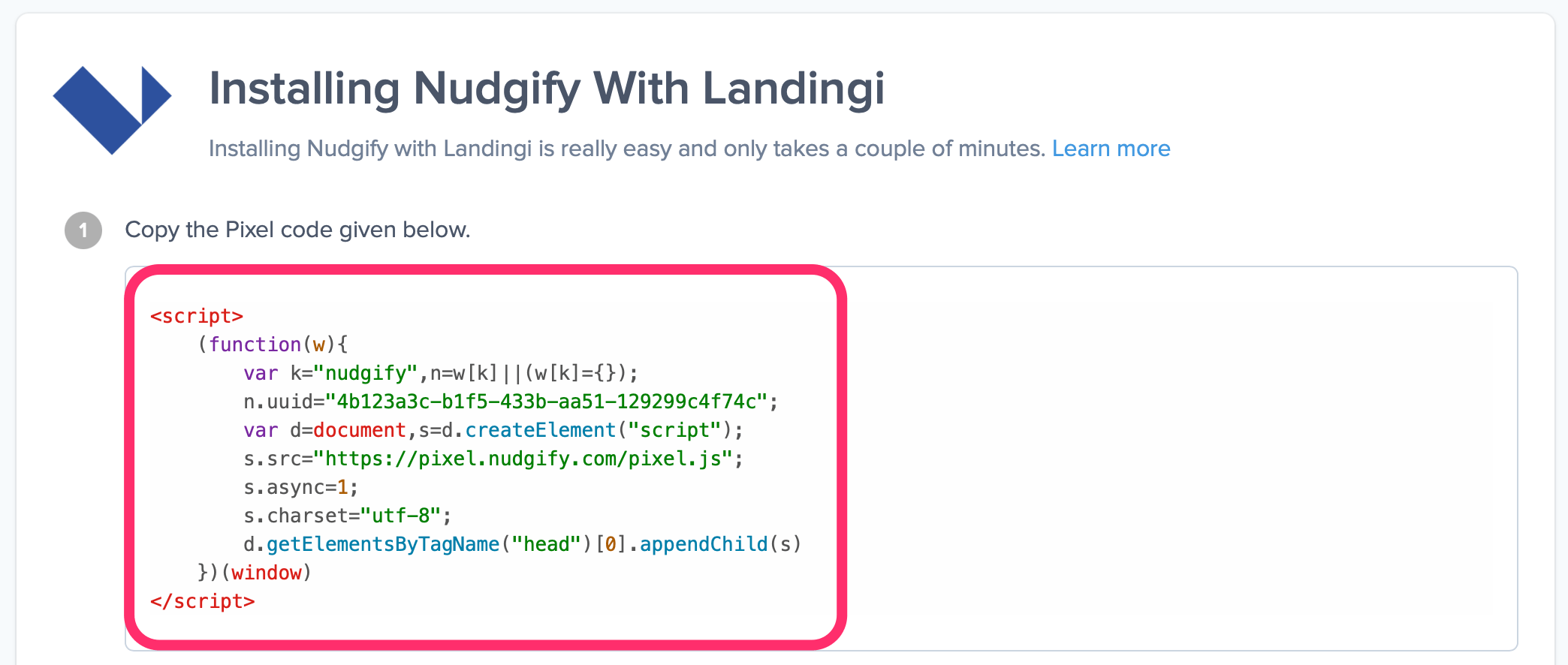
Step 2: Add Pixel with the “Add script” option on your Landingi Dashboard
- Log in to Landingi and go to the Landing pages tab. Navigate to the Dashboard of the landing page to which you want to add the Pixel.
- Go to the JavaScript Code tab and click “Add script”.
- Name your script (e.g. ‘Nudgify’) and paste the Pixel into the Content (2) field.
- For the position for your Pixel, choose the option ‘head’.
- For the page, choose the pages you would like to add Nudges to.
- Click “Add” to add the script to your landing page.
Step 3: Check if the Pixel is installed
- Go to your Profile icon, select Sites & Organizations, and choose the website you want to check. Then click the <> symbol and select 'Check Pixel' to verify that the Pixel has been installed correctly.

- Do you see the green “Pixel is installed correctly” message and the red dot in the top left corner turn green? Congratulations, you have added the Nudgify Pixel to your Landingi landing page!
Do you not see the green “Pixel is installed correctly” message?
This means that you haven’t yet installed your Pixel. Double check that you completed all the steps to install your Pixel and try again.
Is your Pixel still not found?
Click the black chat bubble in the app where we can assist you 1-on-1 on setting up your Pixel.
You can now start adding Social Proof and FOMO Nudges to your Landingi website!
