.png)
Add Emojis To Your Custom Nudges in Shopify
Emojis are a simple way to make your messages feel more friendly and engaging. Adding them to your Custom Nudges gives your notifications a more personal touch, and it only takes a few clicks.
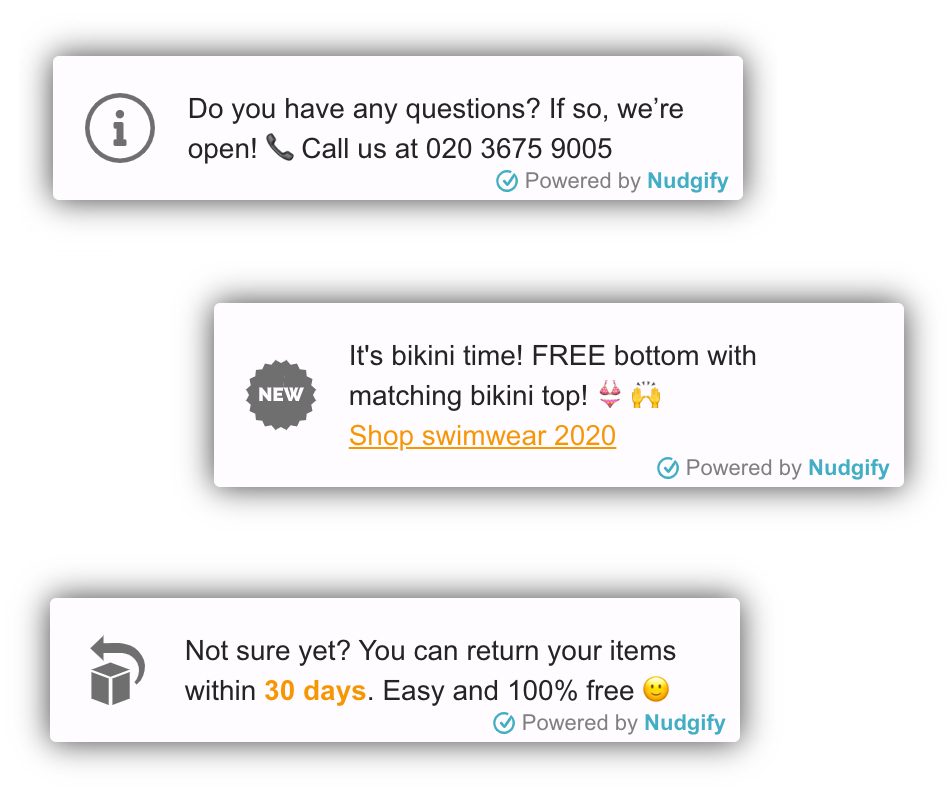
Here is how you can add emojis to your Custom Nudge:
- Go to the Pop ups page
- Click + Add Nudge
- Scroll to the bottom and select Add Custom Nudge
- Under Custom Message, click on the emoji icon
- Choose the emoji you would like to add
- Click Save and Close when you are done
That is it! 😊
Your Custom Nudge will now include the emojis you selected.
