.png)
Popularity Notification for Shopify
A Popularity Nudge shows recent views of the products you sell. By showing that your product is being looked at by others, you trigger a powerful Social Proof effect.
Additionally, when items are low in stock, knowing that others are looking at the product as well enhances the sense of Scarcity and Fear Of Missing Out.
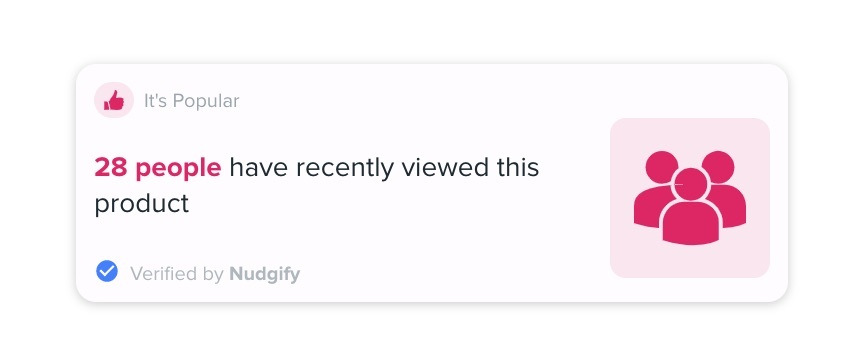
What information does the Popularity Nudge show?
To display recent product views, Nudgify collects live data from your website. It collects and shows the following information:
- that ‘this product’ has been viewed, referring to the Product of the product page the Nudge is on
- when it was viewed
- how many people viewed it
Add The Popularity Nudge To Your Store
Follow the steps below to add a Popularity Nudge to your store.
Step 1: Select the Product Group
This Nudge works best on product pages since it highlights a product that visitors can see on the page when the Nudge appears.
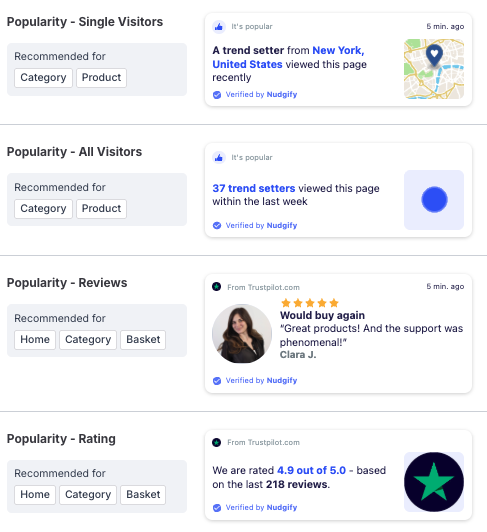
To add it to your product pages, go to the Pop Ups tab and click + Add Nudge. Then find the Nudge you want and click the + icon on the right side to add it.

Step 2: Set your preferences
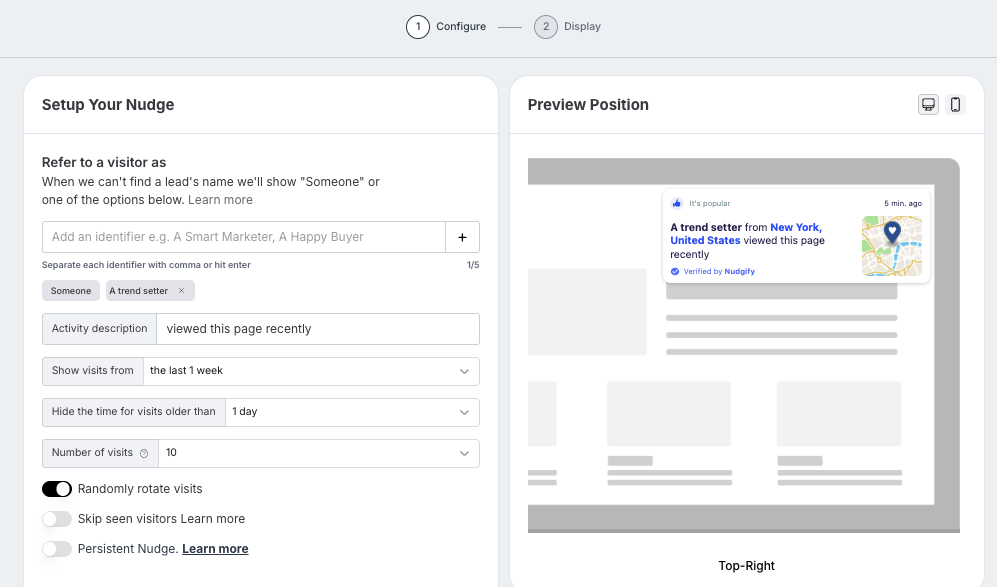
You can set your preferences for the Nudge in the Configuration Box that now pops up.
Customize your message
The Visitors Nudge displays how many people are viewing your products. You can choose how to refer to visitors by replace “people” with anything you like. Get creative and find what described your visitors best, whether it’s fashionistas, yogis, fitness fanatics, … The possibilities are endless!
Set a minimum and maximum for number of visits
You can choose the minimum and maximum number of visitors that are required for the Nudge to show. Do you not want to show the Nudge if you have had less than 5 visitors? Set the minimum to 5. This means that when less than 5 people visited the page in the time frame you chose (e.g. 24 hours), the Nudge will not show.
If a product has more than 100 views within the maximum time frame, it will display “more than 100 people have recently viewed this product”.
Set a timeframe to hide old visits
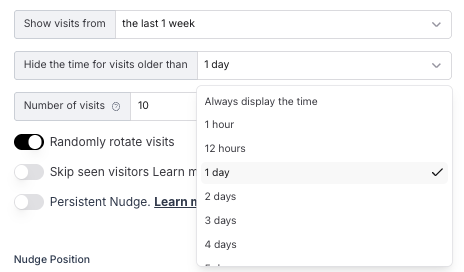
You can choose how recent the product views need to be for them to be displayed. This allows you to hide visits older than e.g. 12 hours. The largest time frame you can choose is 4 weeks. Nudgify does not collect data on views older than that.
The Nudge will show the most visitors within the time frame you selected. For example, you select that you want to hide visits older than 12 hours. 25 people visited your page in the last 6 hours, but 47 visitors in the last 10 hours. Between 10 and 12 hours ago, no one visited your page. In this case, we will show the maximum amount of visitors, 47, in the smallest time frame, 10 hours. The Nudge will say ’47 people viewed this page in the last 10 hours’.
Note also that Nudgify does not collect historical data to display the Popularity Nudge. Data collection starts from the moment you activate the Nudge. This means that the Nudge might not show up at first, if not enough people have viewed a product since you added the Nudge.
Your Popularity Nudge is now active on your product pages, and shows your recent product views as Social Proof on your Shopify store.
