.png)
What Is A Nudge?
Nudgify is a Social Proof & FOMO app that helps increase your conversion rates by showing personalized "Nudges" on your website.
These Nudges are web notifications that display live data usually hidden from visitors, such as recent views or stock levels. By highlighting this information, you leverage psychological principles like Social Proof and FOMO (Fear Of Missing Out) to build trust and turn more visitors into customers.
The Two Types of Nudges
There are two ways to use Nudgify on your store:
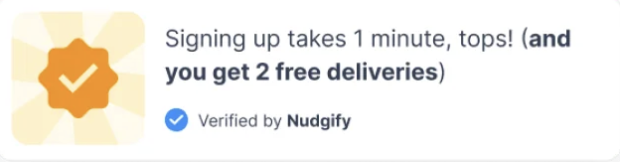
- Standard Nudges: These connect to a data source (like your inventory) to show real-time information. Because they rely on live data, they are labeled "Verified by Nudgify" and have limited editing options to ensure accuracy.
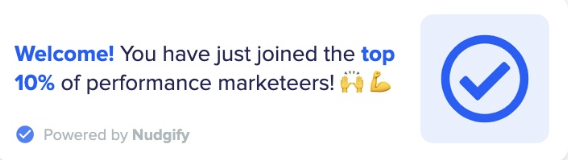
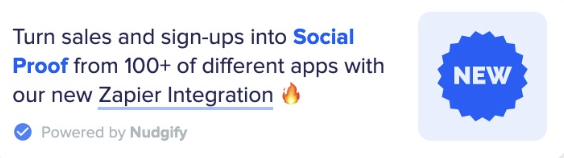
- Custom Nudges: These allow you to write any message you want. Because the content is fully user-edited, they are labeled "Powered by Nudgify.
Standard Nudges (Live Data)
These Nudges automatically sync with your store to show what is happening in real-time.
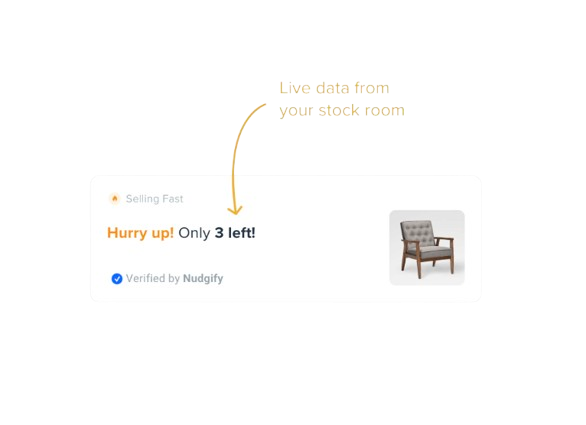
- Low Stock Nudge: Based on live data from your stock room, this shows when a product is scarce. It gives customers a reason to stop hesitating and buy immediately before the item runs out.
- Selling Fast Nudge: This uses a forecast based on your live stock and recent sales history to show that a product might sell out. It displays the time of the forecast to create urgency, and you can set the maximum limit for when the message appears.
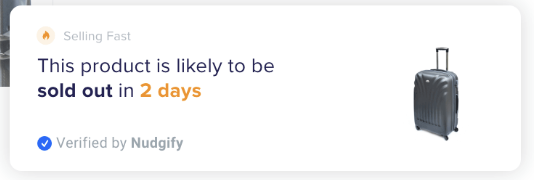
- Free Delivery Nudge: Reduces checkout friction (and cart abandonment) by removing anxiety about shipping costs. You set the target total, and the Nudge encourages customers to reach it.
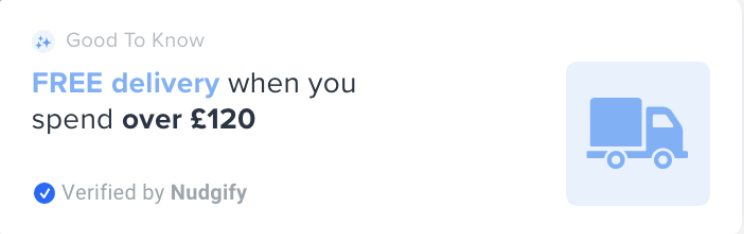
- Order Soon Nudge: Creates a sense of urgency around the purchase decision by introducing a time limit. You simply set your delivery deadline, and the Nudge counts down for the customer.
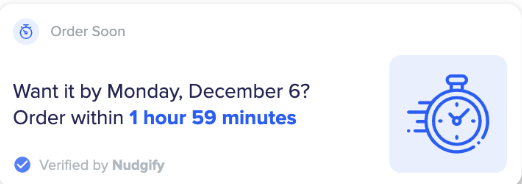
- Popularity Nudge: Shows how many people are looking at a product right now to trigger the "desire-to-buy." We calculate the total views automatically; you just set the minimum number of views required to trigger the notification.
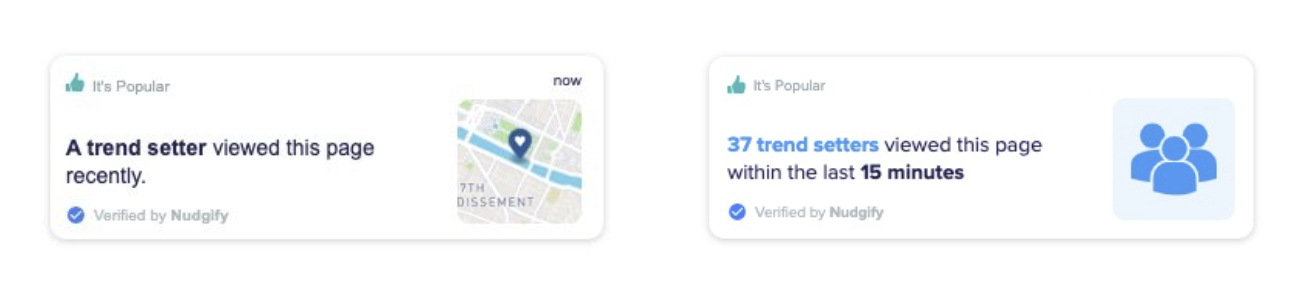
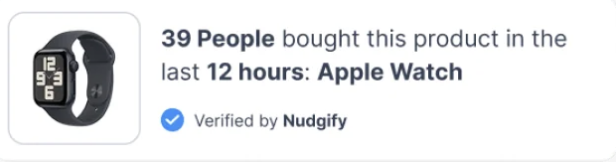
- Recent Activity Nudge: Builds trust quickly by displaying recent sales and sign-ups. You can choose to show customer names or keep them anonymous, and use Geolocation to show activity relevant to the visitor's location.
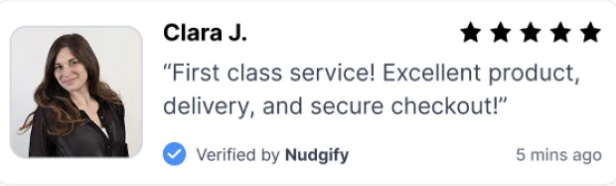
- Review Nudge: Displays live feedback from Trustpilot and Google Reviews to reassure customers they are making the right choice. It automatically captures the reviewer's profile to add authenticity.
Custom Nudges
Editing Custom Nudges: These give you full control to say whatever you need. You can create them from scratch or use a template to guide customers through a difficult process or announce something unique to your store.